DVI – Deleting an Employee
There comes a time when you and an employee may split up and go your separate ways. It happens. Hopefully it was amicable!.
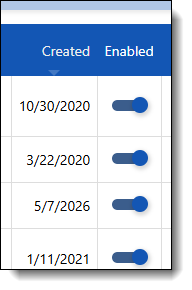
When they leave, you need to restrict their access to the system by disabling their access. This is a simple procedure on the Settings/Shop Users page. In the “Enabled” column, swipe the switch to the left to disable their access.
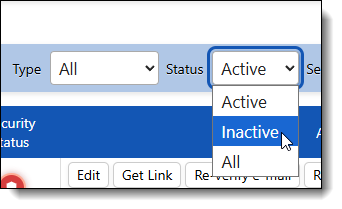
If they end up coming back, you can select the list of Inactive users and simply slide the switch the other way to re-activate their account