DVI – Make Tasks Appear in Bold Text
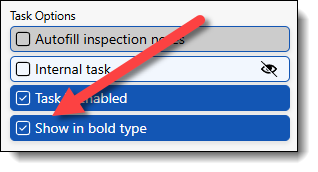
Sometimes, making a task in a digital inspection mandatory is overkill. But you have a list of items you want checked on every inspection. How do you handle it? Put the suggested tasks in bold type so your techs know what is expected of them.
Go to Settings/Categories and Tasks, open the category, select and edit the task. The option appears in the task option section.
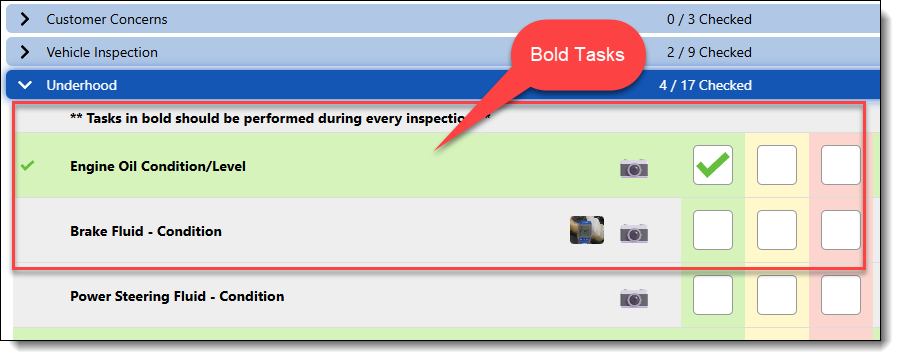
When done, they will look like this in the checklist:
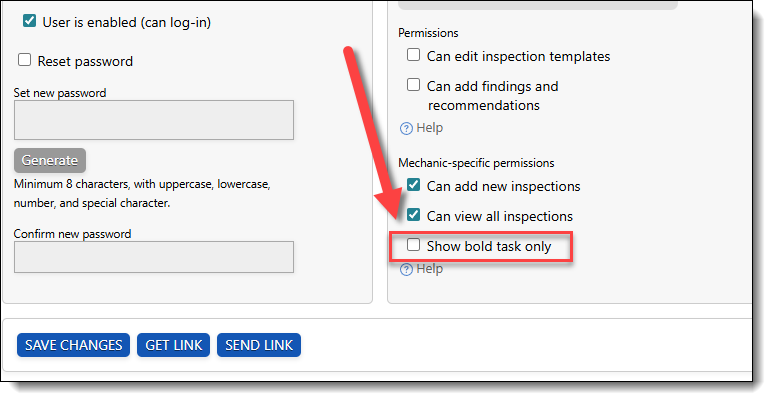
In the user setup, you can set a tech to only see items that are bold by default.
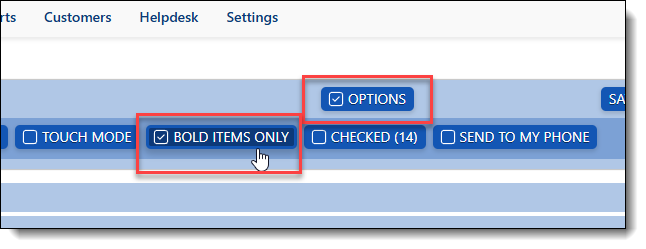
The tech can always override that while working in a checklist by clicking the Options button and then unchecking the Bold Items Only option.