


DVI – Starting a New Inspection
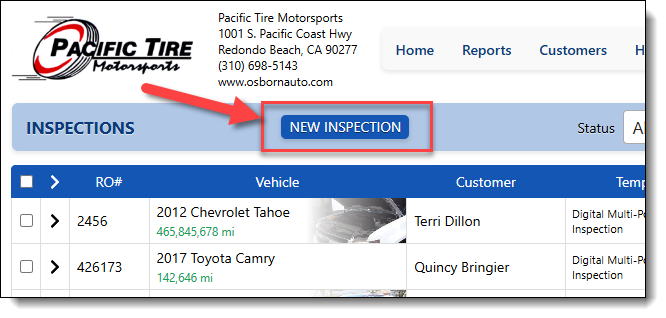
The homepage shows you the last 10 inspections for your shop. To start a new one, simply click on the “New Inspection” button near the top of your screen.
That opens up the new inspection form. If you are integrated with one of our many partners, you should see a list of current vehicles in your shop with the newest RO at the top. Simply click the “Create” button to start a new inspection
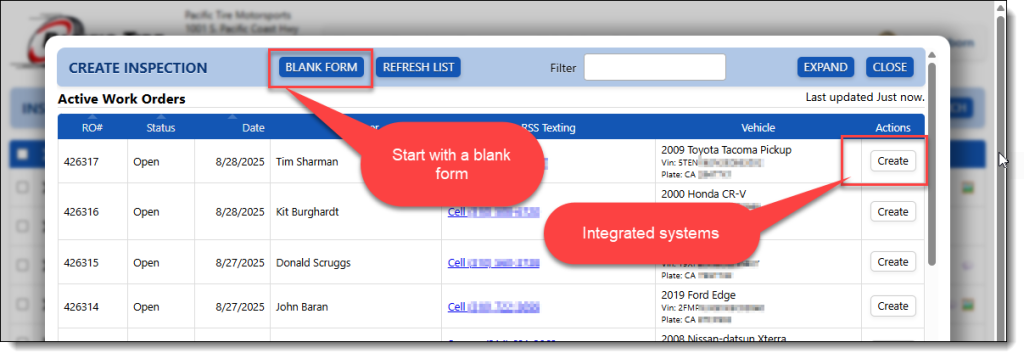
If you are not using an integrated management system, or the expected RO does not appear, you can always start with a blank form by selecting “Blank Form”. Usually, entering a license plate number is enough to get the year, make, model, and VIN of a new vehicle, and it should also pull up all info for an existing customer.