


DVI – Send the inspection via text message
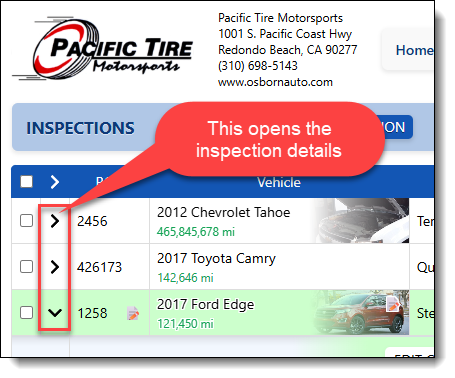
Once a digital inspection is marked as completed and has been audited, it should be texted to the customer. Simply open the details of the inspection by clicking the icon to the left of any row:
From the details view, you can see where the options to print, email, or text the inspection are
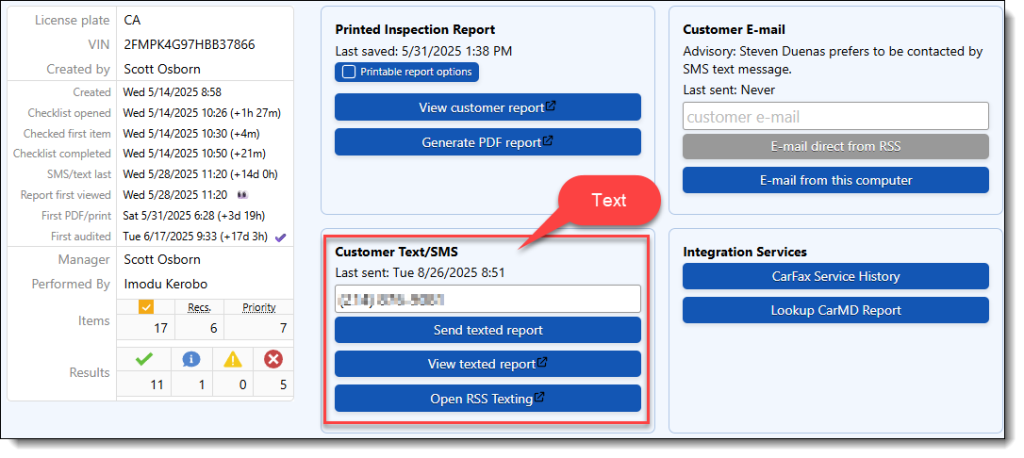
If the customer’s phone number is entered in the system and the inspection is complete, send it to the customer. You can also preview what the customer will receive by clicking on the “View texted report” option.