DVI – Using AI to Help Customers Understand Your Recommendations
When technicians type notes into the digital inspection checklist, they may not realize the message is going to the customer, not just the Service Advisor, as a job that needs to be performed. A Tech checking whether any dash lights are on may see a TPMS or SRS lamp and simply enter “SRS” in the checklist notes. If this is sent to the customer, they may think that it’s no big deal, as that light has been on for 2 years. What they don’t realize is that it’s related to the airbag system, and the system has been deactivated since the light came on. If the Service Advisor doesn’t explain the severity of the issue (no airbags will deploy during an accident), the customer thinks it’s just a light and doesn’t worry about it.
In our Digital Inspection program, we’ve included the use of AI power to take that simple text of “SRS light is on” and change it into something like this:
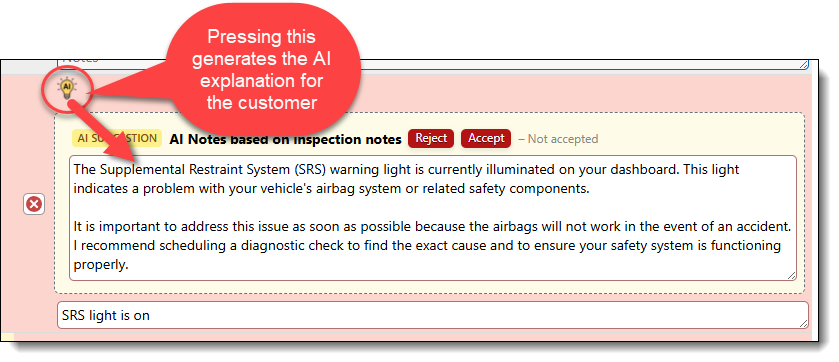
One press of the AI button creates a well-written, complete overview of the problem in an easy-to-understand write-up. This changes a customer’s reaction from “Oh, that light’s been on for years” to “Oh wow, I had no idea. We’d better get a look at that.”
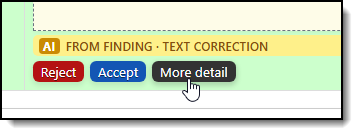
When you press the AI button, the text offered as an option is editable right in the text box. If you don’t like it, press the button again to get a new recommendation. When you’re happy with it, either accept the text or edit it, and just press the “Accept” option to replace the Technician’s notes. There is also an option to generate a more detailed response if a simple explanation is not enough: