


DVI – What Makes Up a Template
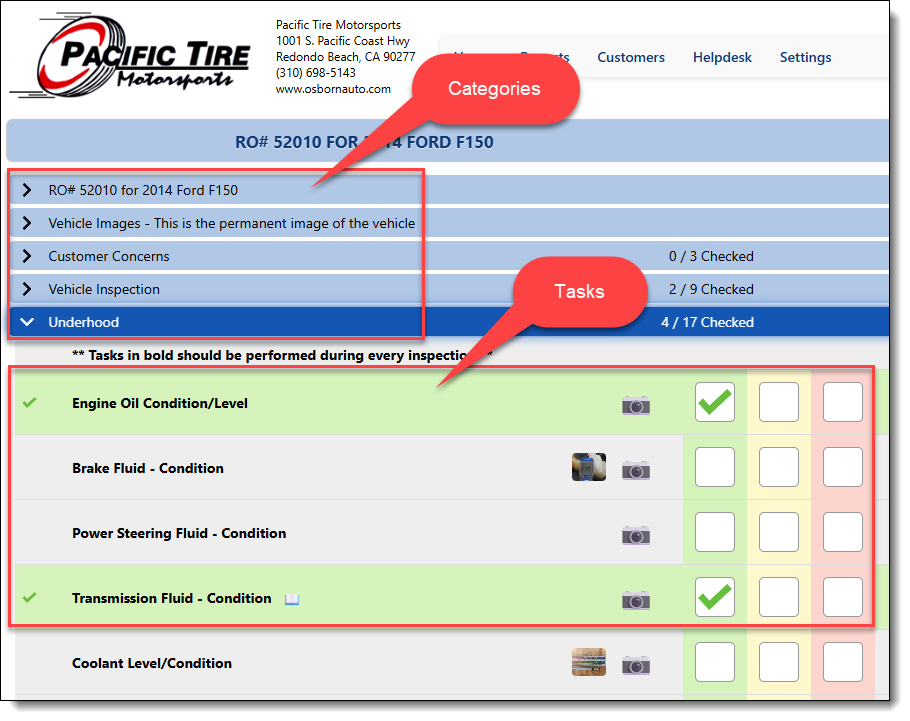
A digital vehicle inspection template is nothing more than a set of “Tasks” we ask a mechanic to check on a vehicle. Tasks are grouped into different sections of the vehicle, such as underhood, undercar, steering, suspension, etc. We call those vehicle sections “Categories.” There are no limits to the number of categories or tasks.
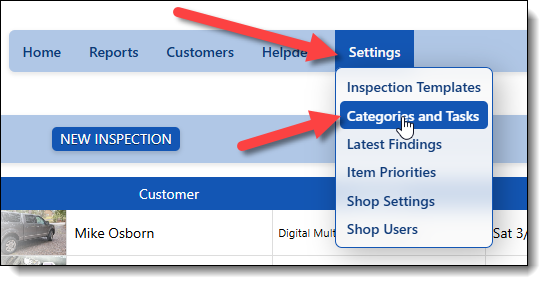
You have a selection of categories and tasks in your system already that cover most of what you need. They are located under the settings menu, under “Categories and Tasks.” If you don’t see this option, you may need to get the Shop Owner to upgrade your security settings.
Let’s move on to working with Categories from here.